New user?
Email address
Password
Remember Me
Sign up
Also registered?
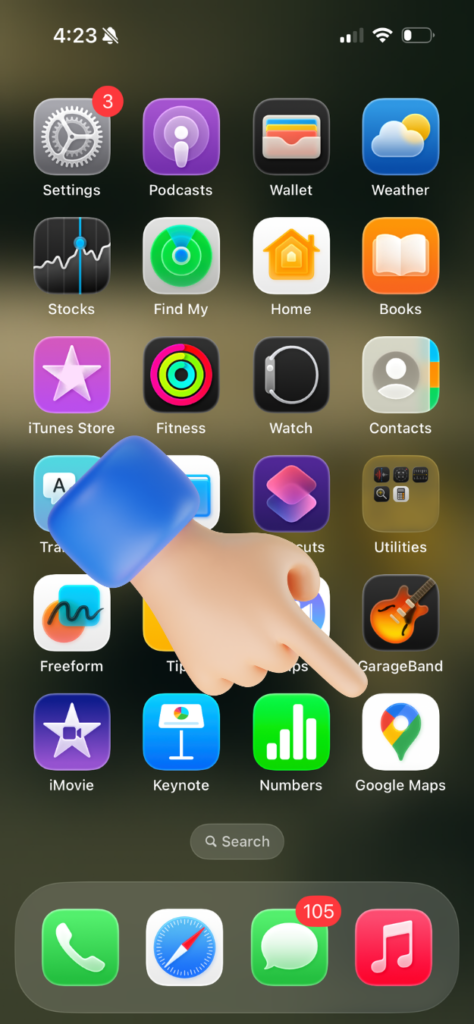
Start by opening the Google Maps app on your phone.
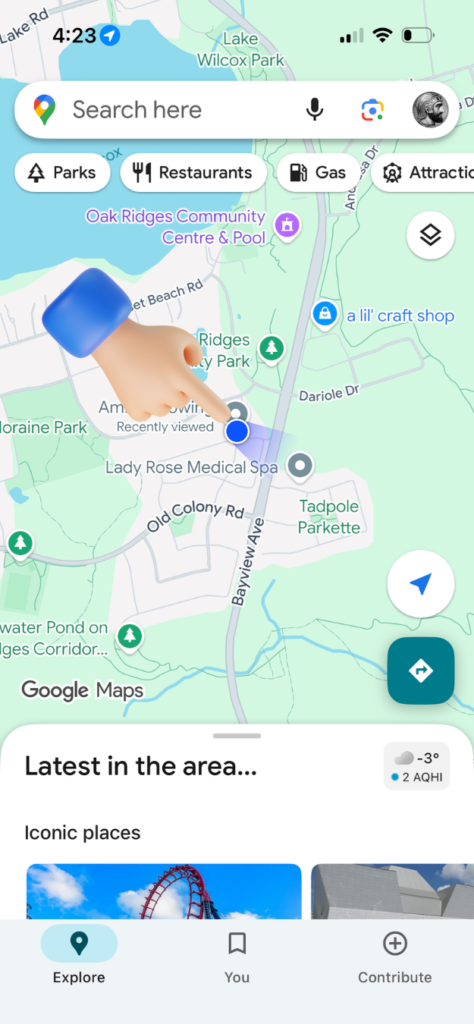
The blue dot represents your exact current location.
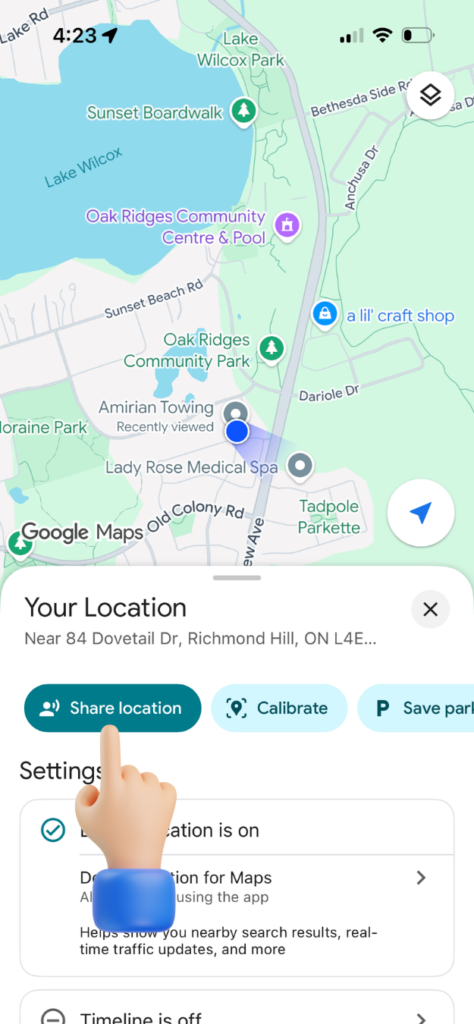
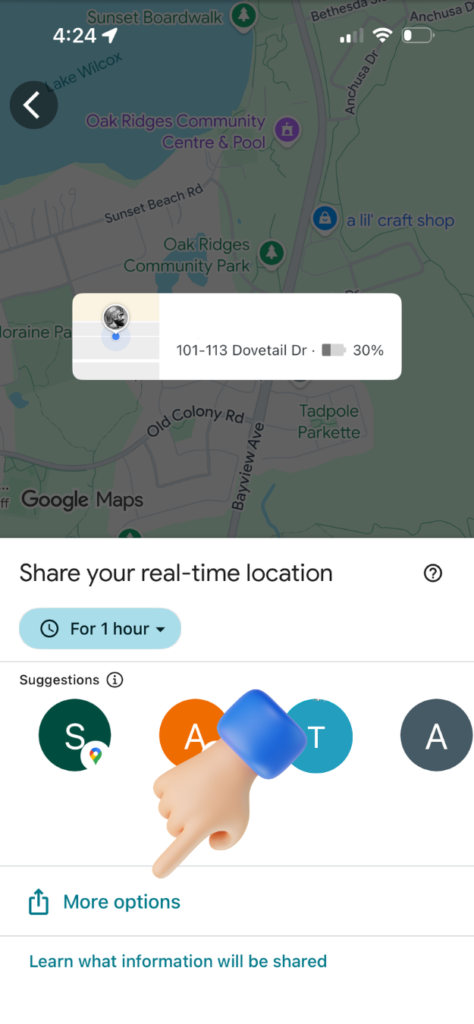
After tapping the blue dot, a menu appears. Tap Share Location to continue.
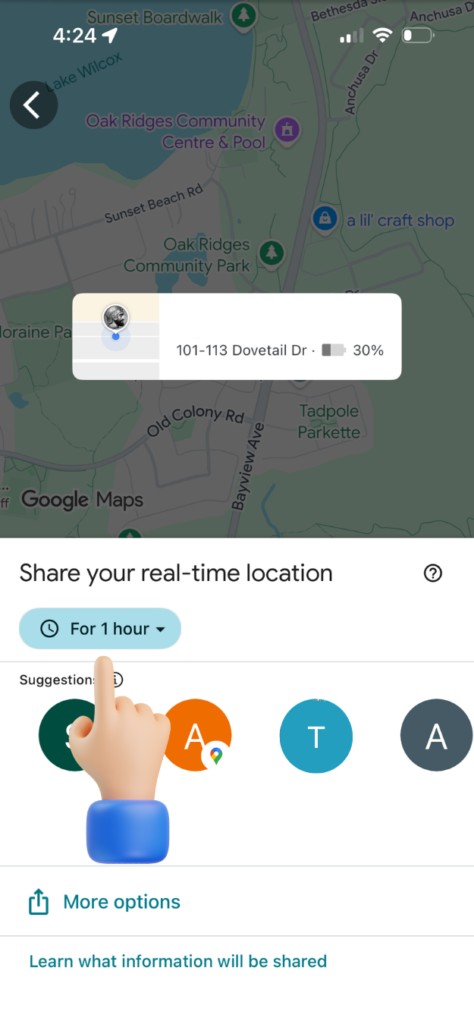
Select the time you want your location to stay visible, from a few minutes to until you turn it off manually.
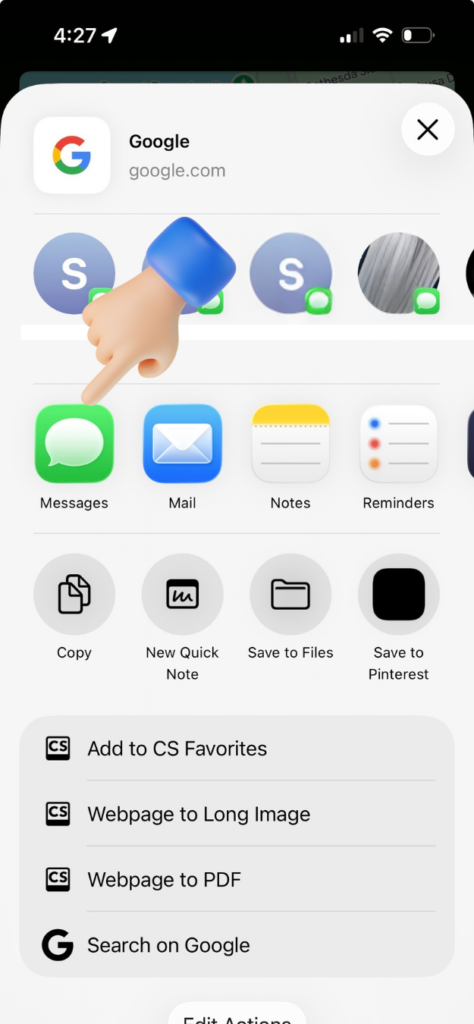
Choose the app you want to use to send your location, such as text message, WhatsApp, Messenger, or email.
Select Messages if you want to send your location through text.
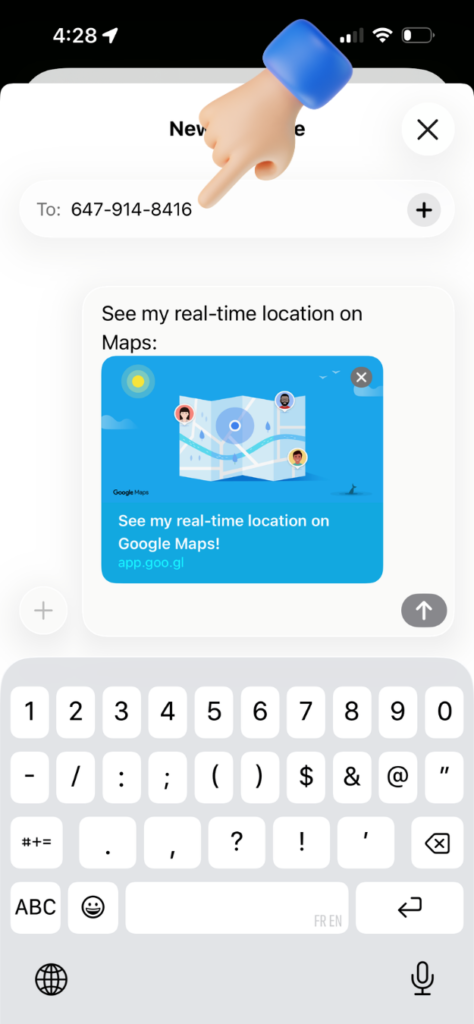
Type the person’s phone number at the top where it says “To.”
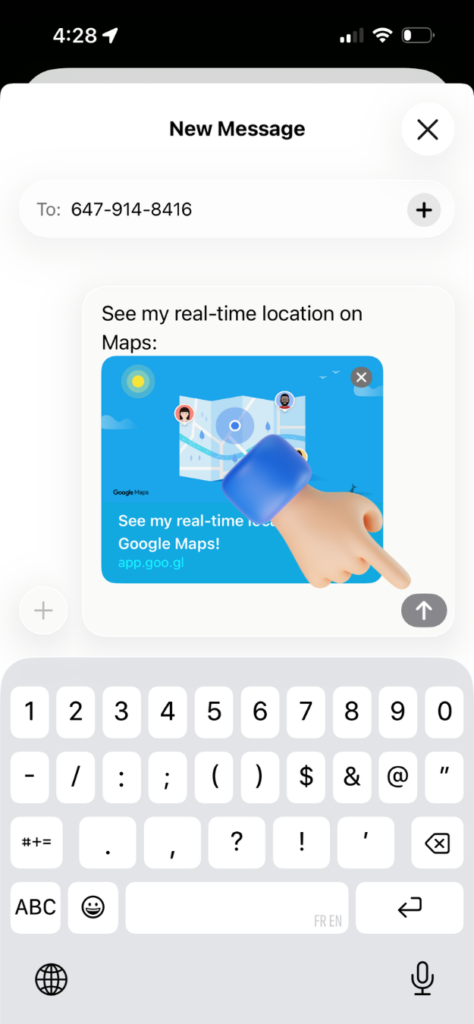
Tap Send to deliver your live location. The receiver can open it and get directions straight to you.